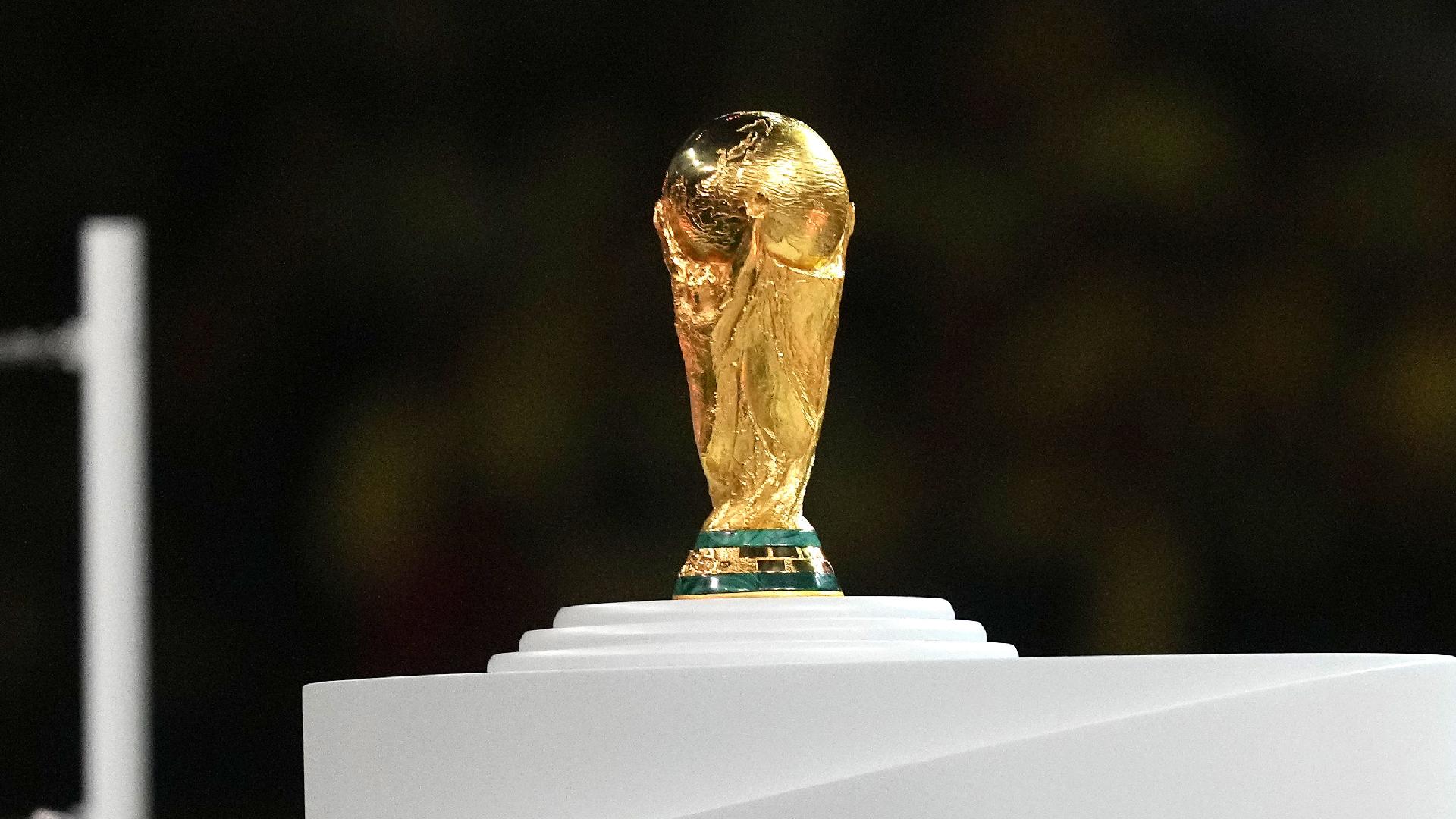
The data for my final project is based on every FIFA World Cup from 1930 to 2018. I downloaded this data from github and Tidy Tuesday is the community activity organization that scraped the data directly from the official FIFA Archives website. The data can be found using this link. The main variables from the data set that will be used for my project are years, the host country, attendance for each event, and teams included. During the time that I will be working on this project, I want to know if there is any correlation between the attendance for each event and the goals scored that year. I decided to use this data set for my project because I have been fascinated by soccer for many years and I’ve been playing it since I was 5 years old. I grew up both playing and watching it on TV so it’s been a passion of mine.
Load libraries and data.
library(tidyverse)
── Attaching core tidyverse packages ──────────────────────── tidyverse 2.0.0 ──
✔ dplyr 1.1.4 ✔ readr 2.1.5
✔ forcats 1.0.0 ✔ stringr 1.5.1
✔ ggplot2 3.5.1 ✔ tibble 3.2.1
✔ lubridate 1.9.3 ✔ tidyr 1.3.1
✔ purrr 1.0.2
── Conflicts ────────────────────────────────────────── tidyverse_conflicts() ──
✖ dplyr::filter() masks stats::filter()
✖ dplyr::lag() masks stats::lag()
ℹ Use the conflicted package (<http://conflicted.r-lib.org/>) to force all conflicts to become errors
library(dplyr)library(plotly)
Attaching package: 'plotly'
The following object is masked from 'package:ggplot2':
last_plot
The following object is masked from 'package:stats':
filter
The following object is masked from 'package:graphics':
layout
Rows: 21 Columns: 10
── Column specification ────────────────────────────────────────────────────────
Delimiter: ","
chr (5): host, winner, second, third, fourth
dbl (5): year, goals_scored, teams, games, attendance
ℹ Use `spec()` to retrieve the full column specification for this data.
ℹ Specify the column types or set `show_col_types = FALSE` to quiet this message.
Data Cleaning
I have to rename some countries because they have changed names. For example West Germany is now Germany. So according to FIFA rules, the names of certain countries are changed. This is done for all variables of concern.
Now I just want to see the attendance for each year to see how much of an increase or decrease there is each year.
# Group the dataset by yearwc_grouped <-group_by(wc, year)# Calculate statistics within each group, for example, the mean attendanceattendance_stats <-summarise(wc_grouped, mean_attendance =mean(attendance))
I want to create 2 new columns to this data set for average attendance per World Cup. This is to set me up for a box plot I want to create for one of my visualizations.
# Create average attendance per World Cup according to games playedwc2 <- wc %>%mutate(average_attendance =round(attendance / games, 0))# Create categories for attendance levelswc2 <- wc2 %>%mutate(attendance_categories =case_when( average_attendance >50459~"Very High Attendance", average_attendance >44676~"High Attendance", average_attendance >33875~"Relatively Normal Attendance", average_attendance >=23235~"Relatively Low Attendance" ))
Create Custom Theme for Visualizations
I wanted to incorporate a new way of creating a theme for each visualization. I create a custom function which applies a custom theme on my ggplots. This enables the visualizations to be organized and tidy. I specify various aspects of the theme such as title font, axis titles and background colors. This also is a way of making sure that i don;t forget to change the themes when im done.
theme_wc <-function(){theme_bw() +theme(plot.background =element_rect(fill ="#d3d3d3"),panel.background =element_rect(fill ="#f2ded6", color ='purple'),plot.caption =element_text(hjust =0, face ="italic"),panel.grid.major =element_blank(),panel.grid.minor =element_blank(),axis.text.x =element_text(color ="#a1a1a1", size =12),axis.text.y =element_text(color ="#7b7b7b", size =12),axis.title.x =element_text(color ="#1c4959", size =14, face ="bold"),axis.title.y =element_text(color ="#1c4959", size =14, face ="bold"),plot.title =element_text(color ="#0e242c", size =16, face ="bold", hjust =0.5),legend.text =element_text(color ="#FF4500", size =12),legend.title =element_text(color ="#FF4500", size =14, face ="bold") )}
Linear Regression Analysis
I am going to fit a linear regression model where “attendance” is the dependent variable and “year” is the independent variable. I am attempting to see if there is a correlation between the attendance for each year.
# Fit linear regression modellm_model <-lm(attendance ~ year, data = wc)# Print summary of the linear regression modelsummary(lm_model)
Call:
lm(formula = attendance ~ year, data = wc)
Residuals:
Min 1Q Median 3Q Max
-905002 -224151 16100 196894 1062757
Coefficients:
Estimate Std. Error t value Pr(>|t|)
(Intercept) -68178492 6884129 -9.904 6.15e-09 ***
year 35448 3482 10.180 3.94e-09 ***
---
Signif. codes: 0 '***' 0.001 '**' 0.01 '*' 0.05 '.' 0.1 ' ' 1
Residual standard error: 415100 on 19 degrees of freedom
Multiple R-squared: 0.8451, Adjusted R-squared: 0.8369
F-statistic: 103.6 on 1 and 19 DF, p-value: 3.943e-09
# Visualize the linear regression modelgg <-ggplot(data = wc, aes(x = year, y = attendance)) +geom_point() +# Scatter plot of data pointsgeom_smooth(method ="lm", se =FALSE) +# Add linear regression linelabs(title ="Linear Regression: Attendance vs. Year",x ="Year",y ="Attendance")ggplotly(gg)
`geom_smooth()` using formula = 'y ~ x'
Here, I noticed that there is a correlation between the attendance amount for each year since every year is close to the regression line and every year the attendance increases. The only outlier we see here is of the year 1994 which is also the year with the highest attendance of 3,568,567. For the most part, as the years go by, the attendance rate also increases and I assume this is because soccer is a growing sport internationally and especially now with better technology.
Data Visualizations and Analysis
Teams participating & Games played
This table shows the World Cup events from 1930. It shows the number of teams competing and games played.
g1 <-ggplot(wc) +aes(x = year, y = teams, fill = teams, size = games) +geom_point(shape ="circle filled", colour ="#112446") +scale_fill_gradient(low ="#F7FBFF", high ="#08306B") +labs(x ="Year of World Cup",y ="Teams Playing World Cup",title ="Teams & Games Played ",subtitle ="Years",caption ="Source: FIFA World Cup Archive" ) +theme(panel.background =element_rect(fill ='#ffe4c4', color ='purple'),panel.grid.major =element_line(color ='#faebd7', linetype ='dotted'),panel.grid.minor =element_line(color ='#008000', size =2))+theme(axis.text.x =element_text(angle =90, vjust =0.5, hjust=1))+theme_wc()
Warning: The `size` argument of `element_line()` is deprecated as of ggplot2 3.4.0.
ℹ Please use the `linewidth` argument instead.
g1
This first visualization represents the teams played and games played from every year. The x axis is representing years the world cup was played while the y axis is showing the teams participating. Another important aspect is the size of the visualization which represents the games played. The circles get bigger as years and teams both increase. I also am using the wc theme that I created beforehand.
Goals by attendance
g2 <-ggplot(wc2) +aes(x = attendance_categories, y = goals_scored, fill = attendance_categories) +geom_boxplot() +geom_jitter() +scale_fill_hue(direction =1) +labs(x ="Attendance category", y ="Goals Scored", caption ="Source: FIFA World Cup Archive", title ="Goals by Attendance Category", subtitle ="Boxplot") +theme_wc() +theme(axis.text.x =element_text(angle =50, vjust =0.5, hjust =1))g2_plotly <-ggplotly(g2)# Print the interactive plotg2_plotly
An important variable used here is the attendance category that was previously transformed. These categories were made keeping in mind the distribution of the attendance variable. The categories and goals scored are important variables that can be compared. I use box plot to show the distribution across categories. Hence, it can be observed that the lower the attendance category, the lesser the goals scored are by distribution. The categories are colored for easier readability.
Yearly Attendance at World Cup Events (1930-2018)
# Create the animated plot with the custom themeanimated_plot <-ggplot(wc2, aes(x =factor(year), y = attendance, fill = attendance)) +geom_bar(stat ="identity") +transition_states(year, transition_length =2, state_length =1) +labs(title ="Year: {closest_state}", x ="Year", y ="Attendance", caption ="Source: FIFA World Cup Archive") +theme_wc() +scale_fill_gradient(low ="white", high ="darkblue", name ="Attendance") +theme(axis.text.x =element_text(angle =45, hjust =1)) # Adjust the angle here# Render the animation in the RStudio Viewer paneanimate(animated_plot)
I wanted to try something new for this final project and this visualization took me forever to create. I created an animated bar graoh that portrays the Yearly Attendance at World Cup Events from 1930-2018. The attendance at any event speaks volumes of the event success or failure which is why I incorporate attendance in the visual analysis. It clearly shows that as time passes, world cup attendance increases. However, in 2018, the attendance was slighltly lower than 2014.
Conclusion
The data for my final project is based on every FIFA World Cup from 1930 to 2018. I downloaded this data from github and Tidy Tuesday is the community activity organization that scraped the data directly from the official FIFA Archives website. The main variables from the data set that will be used for my project are years, the host country, attendance for each event, and teams included. During the time that I will be working on this project, I want to know if there is any correlation between the attendance for each event and the goals scored that year. I decided to use this data set for my project because I have been fascinated by soccer for many years and I’ve been playing it since I was 5 years old. I grew up both playing and watching it on TV so it’s been a passion of mine.
The FIFA World Cup was established in 1930 as a way to promote international friendship through football. It was initiated by FIFA President Jules Rimet and held in Uruguay, with the host nation winning the inaugural tournament. The tournament has been hosted by various countries across the globe, including Uruguay, Italy, Brazil, Germany, South Africa, and Russia. Brazil holds the record for the most World Cup victories, with five titles, followed by Germany and Italy with four each.
I’m really glad I was able to pull off creating the animated bar graph because it was my first time even attempting to do any type of animation on my own and although it did take a few days of research and attempts, I’m happy with the final result. I was not able to add a play/pause button and the slider to the animated bar graph and I wish I was able to.
References
History.com Editors. (2018, August 21). First World Cup. History; A&E Television Networks. https://www.history.com/this-day-in-history/first-world-cup
The Editors of Encyclopaedia Britannica. (2019). World Cup | History & Winners. In Encyclopædia Britannica. https://www.britannica.com/sports/World-Cup-football
The history of the World Cup. (n.d.). Sky HISTORY TV Channel. https://www.history.co.uk/articles/the-history-of-the-world-cup